Snap a photo.
Print the object.
Turn any photo into a 3D-printable model. makeable reconstructs what you see into a clean, solid, print-ready file — no CAD skills needed.
Free to download
iPhone & iPad · iOS 17+
Photo → solid model
One photo is enough to make it real.
No scanning rig, no turntable, no mesh repair. The model that comes out is the model you print.
Before — your photo
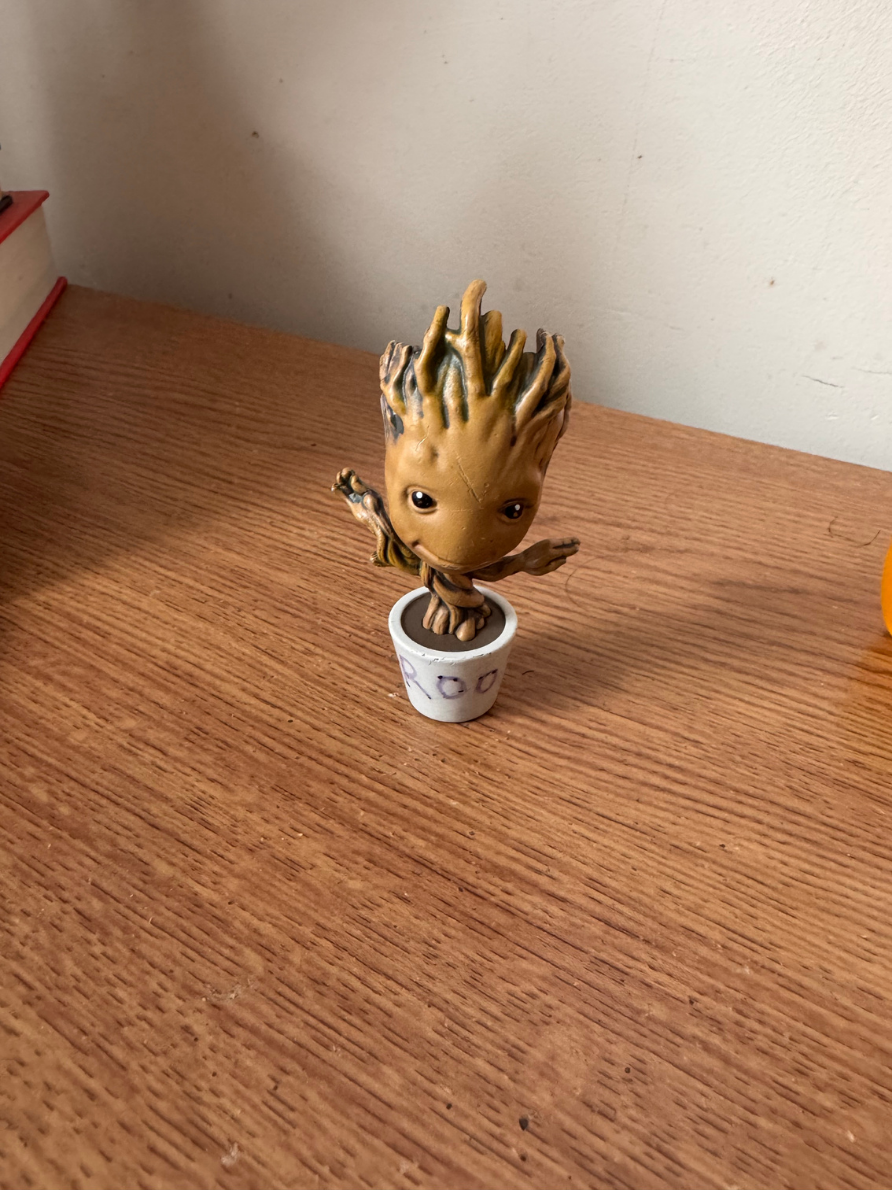
After — print-ready model
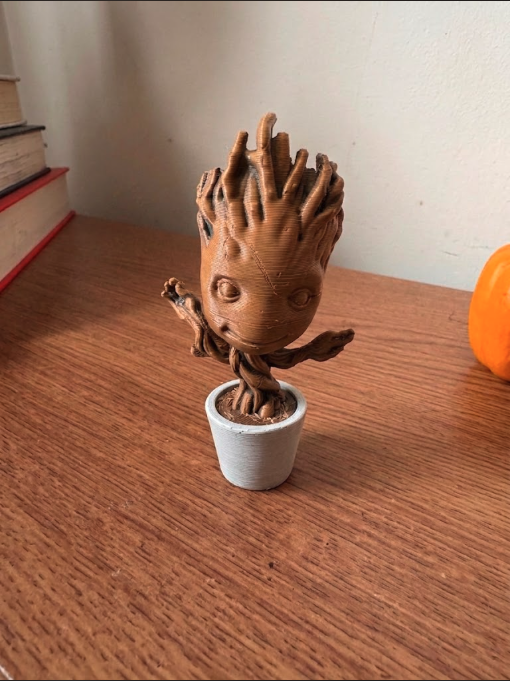
Watertight
Solid geometry, not a fragile scan you repair by hand.
About 40 seconds
Reconstruction finishes while you're still holding the phone.
Straight to slicer
Export STL or 3MF and print without a detour through CAD.
How it works
From camera roll to print-ready.
Snap a photo
Point your camera at any object — a part, a prototype, something you want to recreate.
makeable reconstructs it
A clean, solid, watertight model. No mesh cleanup. No waiting overnight.
Print it
Export straight to your slicer, review in 3D, and bring the object into the real world.
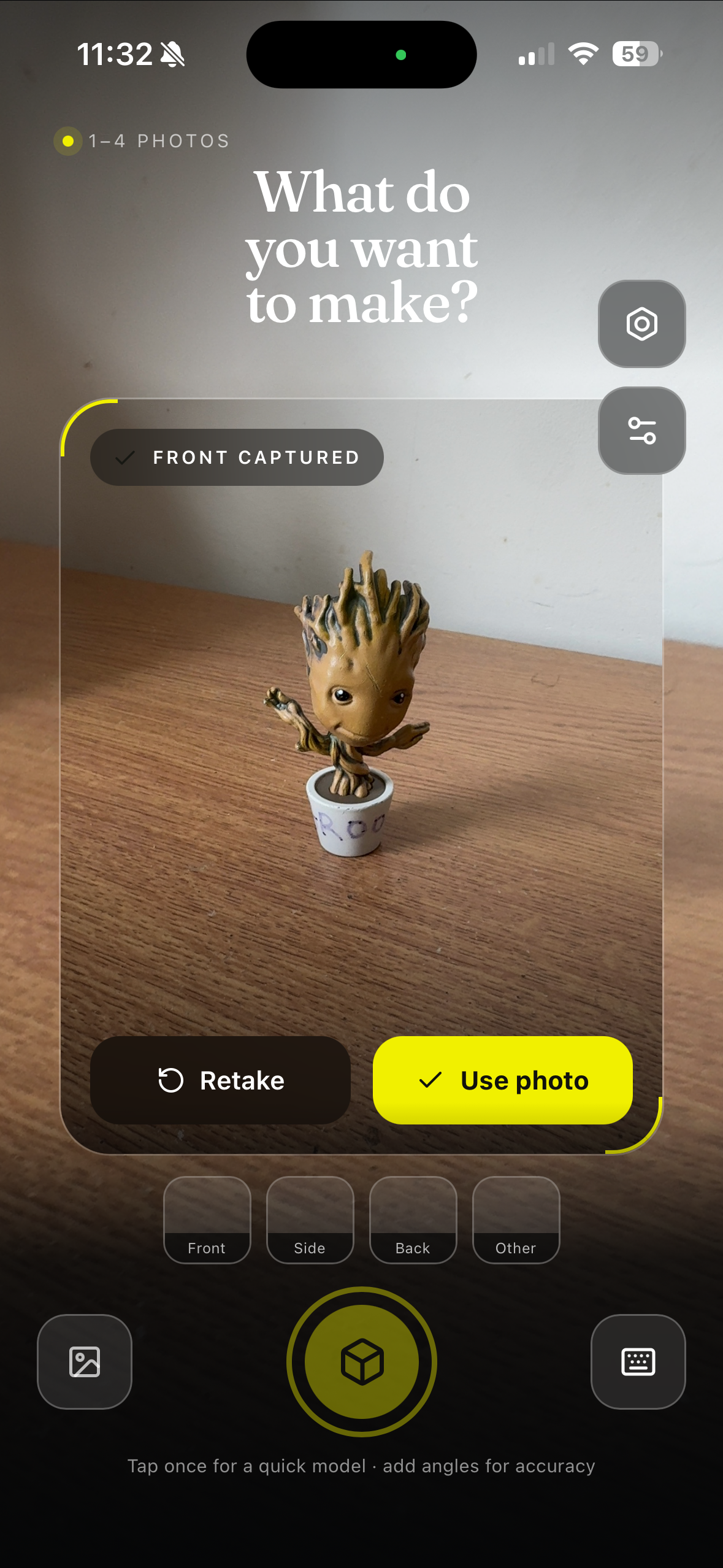
In the app
Everything you need before
the first layer goes down.
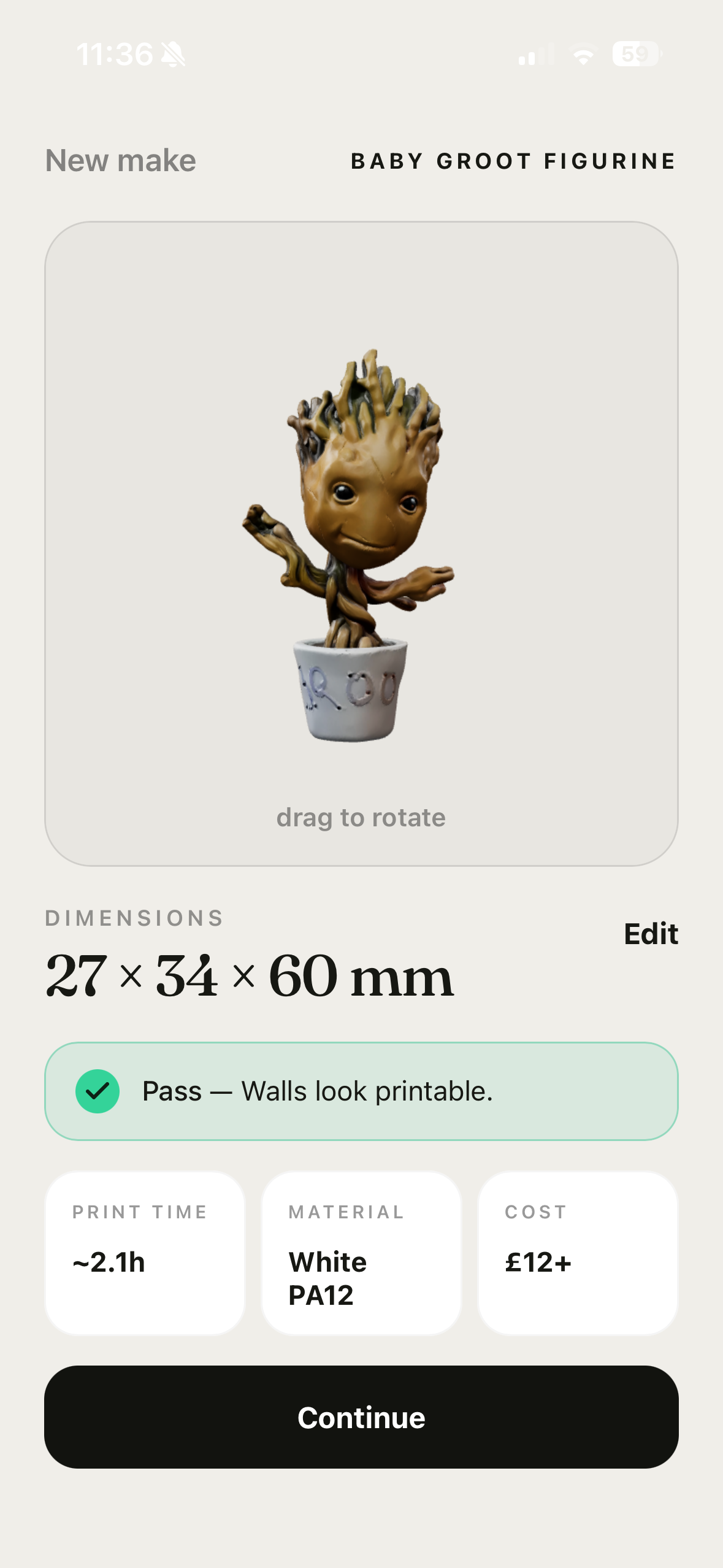
Set real-world dimensions in millimetres and make sure your creation is exactly the size you imagined.
Makeable checks your model for potential printing problems, so you can catch issues before it’s made.
Make changes, regenerate your model, and keep working on it until it feels right.
When you’re happy with it, send your creation straight to print and have the finished object delivered to you.
Made with makeable
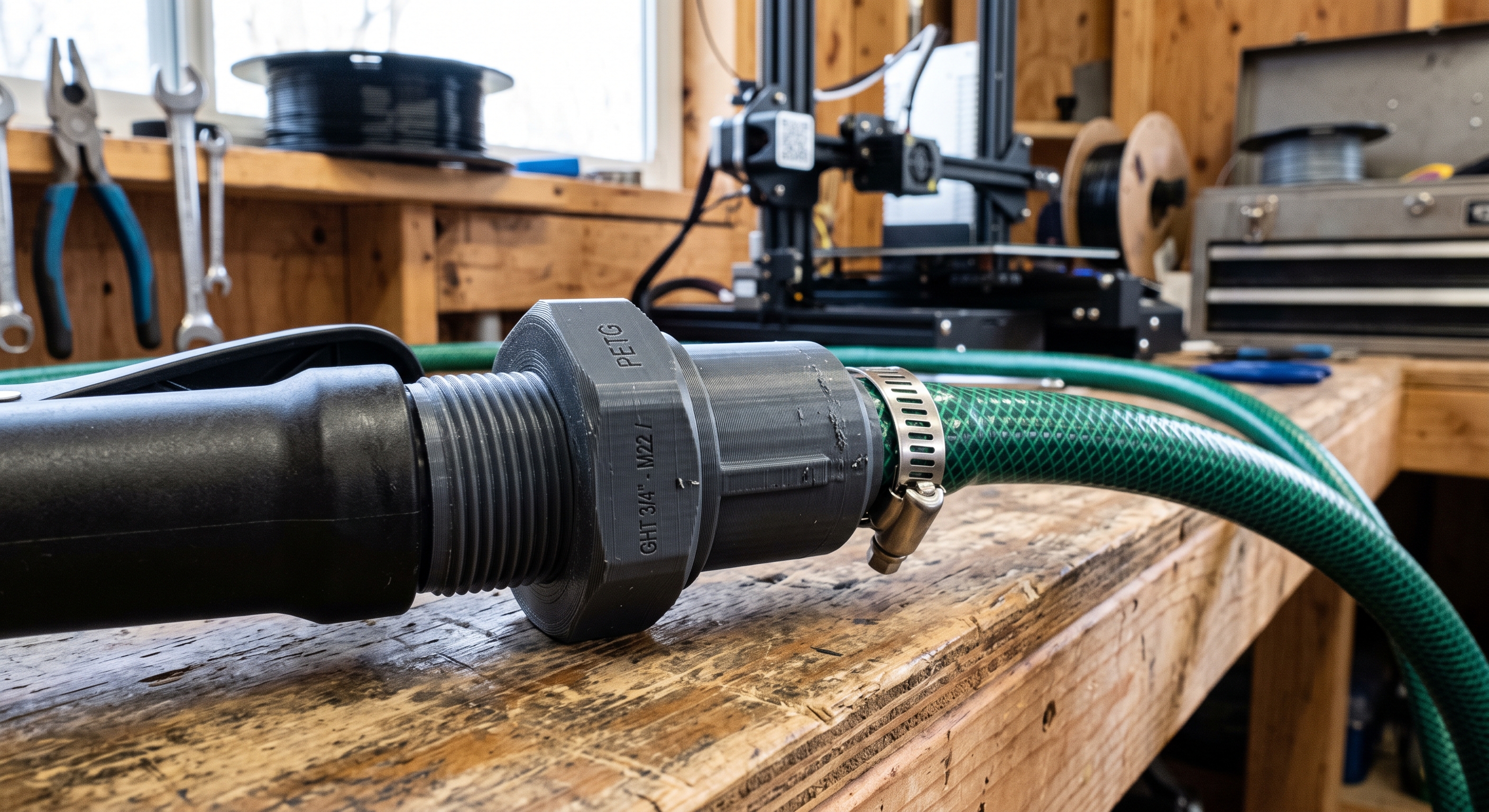
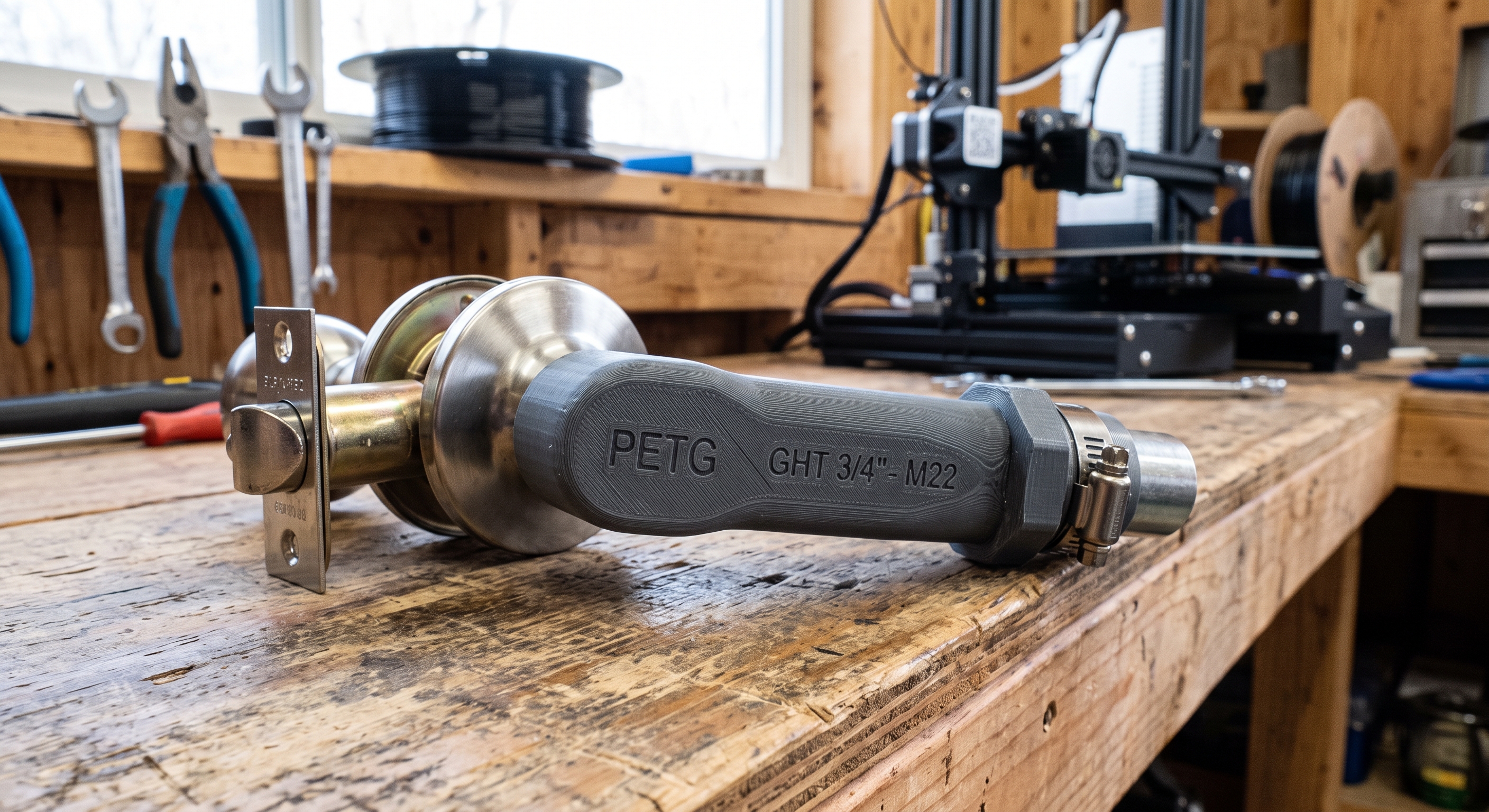
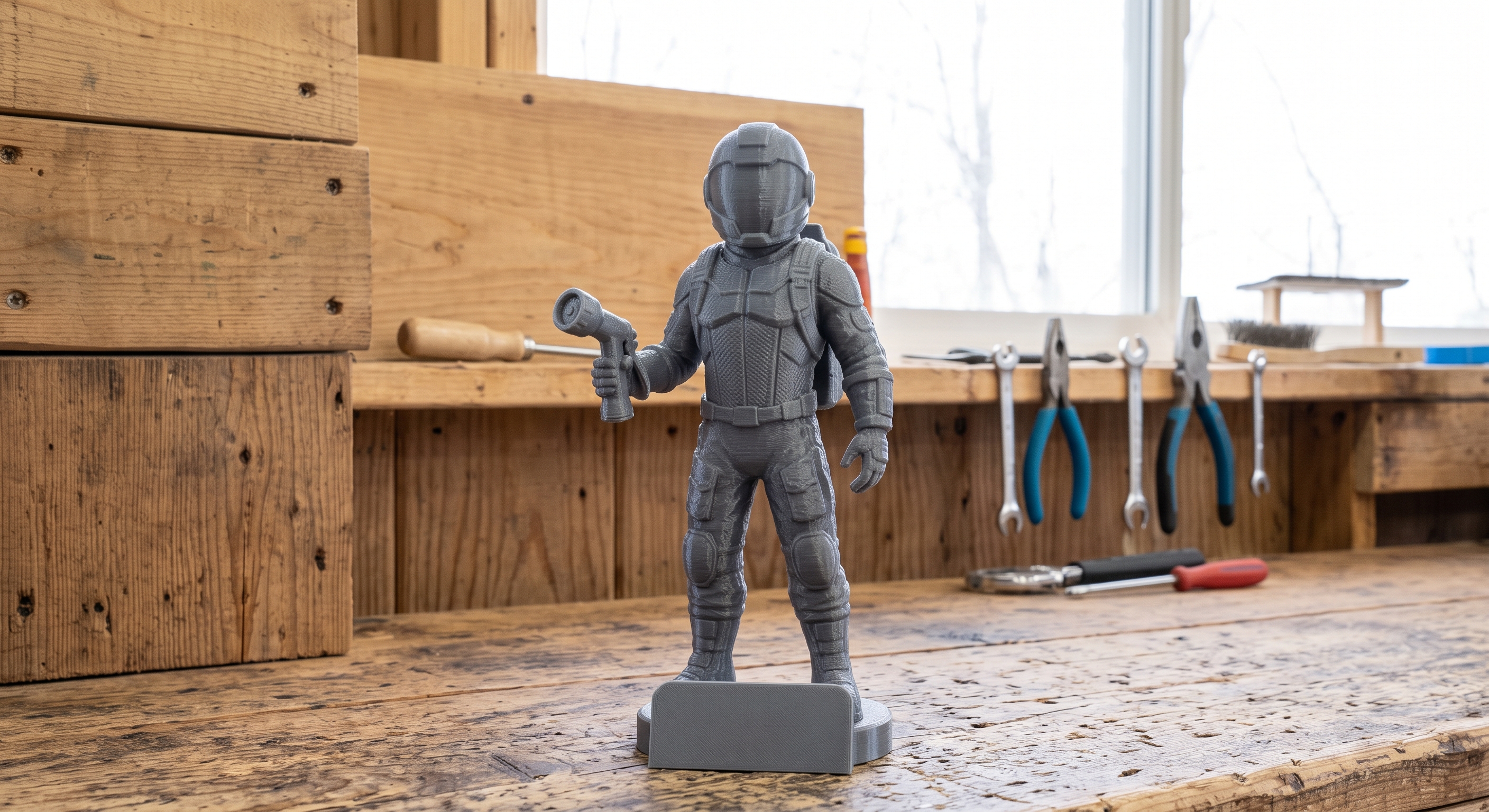
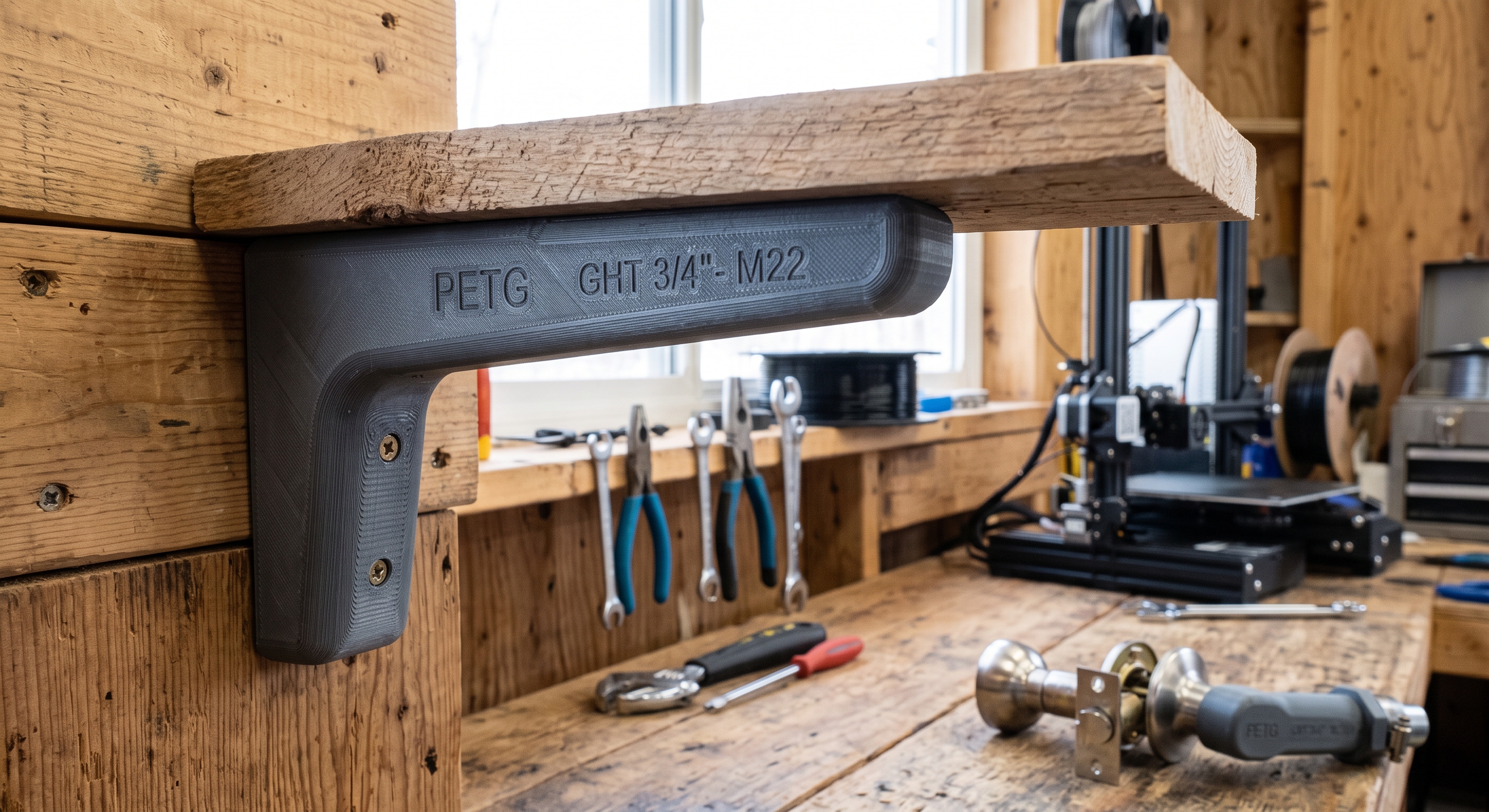
Photographed, then printed.
If you own a printer
Stop hunting for a model that almost fits.
Photograph the thing you actually need and print that instead of the closest match on a model site.
If you prototype
A first iteration in the time it takes to walk to the printer.
Capture an existing part, adjust the scale, and get a physical reference before you open CAD.
If you're new to this
Your first print, without learning CAD first.
The camera is the whole interface. makeable handles the geometry and tells you when a model is ready.
Print the next thing you notice.
Free on the App Store. Reconstruct your first model in under a minute, no account required.

iOS 17+ · iPhone, iPad
Exports STL, 3MF, OBJ · Processing on device